ManicTime records apps, websites and documents usage automatically, then helps you turn that data into accurate timesheets, reports, billing, and team visibility.
1,000,000+ downloads · 200,000+ licenses · since 2007
ManicTime runs silently in the background, recording which apps, websites, and documents you use throughout the day.
Review your recorded day and assign time to projects and clients. Auto-tagging rules can handle most of it for you.
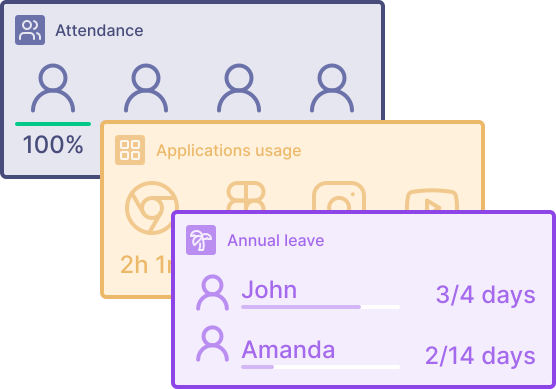
Generate timesheets, invoices, productivity reports, and attendance summaries — all from the same data.
ManicTime runs in the background and records apps, websites, documents, idle time, and other work context automatically, so you always have a reliable record of what happened during the day.
Learn moreReview your recorded activity and assign it to the right client, project, or task with far more accuracy than reconstructing the day from memory. Auto-tagging rules can do much of the work for you.
Learn moreUse one source of time data for:
timesheets, billable summaries, project and client effort, overtime, attendance, productivity, and other management reports that turn tracked activity into useful visibility.
Learn moreManicTime does more than count hours. It captures the context behind the work so your timesheets and reports are easier to trust.
Optional screenshots anchored to your timeline give you visual proof of work for billing and reduce disputes with clients.
ManicTime detects when you step away from your computer and prompts you to classify that time as a meeting, break, or other activity.
Workplace tracking can show whether time was spent in the office or remotely, which is especially useful for hybrid teams.
Connect ManicTime to AI tools through MCP and ask questions about tracked work in plain language.
Pick your role and see the most relevant features and workflows.
Choose the deployment that fits your security and compliance requirements.
Import tasks from your project management tools, export data via REST API, or access the database directly.